
Bookmark this page for quick reference
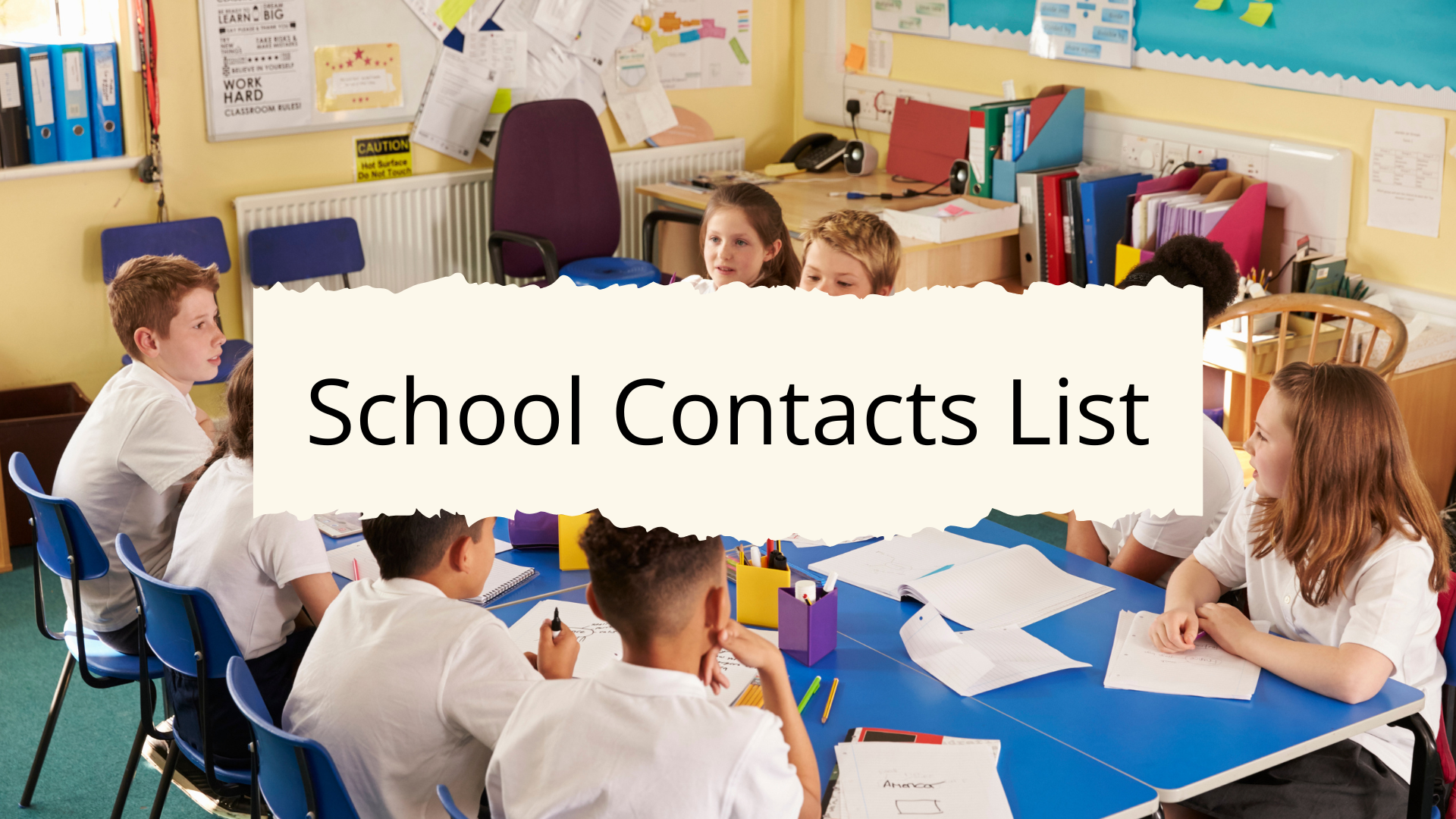
When children are enrolled in school, contact details and key information quickly accumulate.
Schools issue multiple documents at the beginning of the year, and changes happen throughout the term.
This is where a centralized school information and contacts list comes in handy, as it keeps everything accessible in one place, and it reduces the need to search through emails, apps, or paperwork when information is needed quickly.
What This List Is For:
This list provides a structured way to record all essential school contact information, student details, and administrative notes in one organized reference page.
📄 A formatted, print-ready version of this page is included in the Home Management Binder.
It belongs in the School section of your Home Management Binder for quick access throughout the academic year.
Student Information
This section captures the fixed details that appear repeatedly on school forms, permission slips, and administrative paperwork throughout the year.
Having them written down in one place saves time and reduces errors when speaking with school staff or completing routine paperwork.
- Student’s full legal name
- Preferred name, if different
- Date of birth
- Student ID number
- Grade level
- Classroom number
- School year
- Homeroom teacher name
- School email account, if provided
- School login portals used
School Contact Details
This section covers the school’s primary contact information.
If the school has multiple campuses or divisions, note the specific one that applies to your child.
- School name
- School address
- Main office phone number
- Attendance line (often a separate number from the main office)
- School email address
- School website
- Parent portal login link
- School hours (start and end times)
Key Staff Contacts
Rather than searching back through emails at the start of a busy morning, keep direct staff contacts on this page.
Include email addresses, direct phone extensions, or both – whatever is most useful for the way your household communicates with the school.
- Principal name and contact
- Vice principal’s name and contact
- Homeroom teacher contact details
- Subject teacher contacts, if applicable
- School counselor name and contact
- School nurse name and direct line
- Special education coordinator, if applicable
- Administrative assistant contact
- PTA or parent association contact
Emergency and Health Information
This section mirrors what the school already holds on file, but provides a home reference copy.
Keeping it on your school information sheet ensures the details you give the school and the details stored in your binder stay consistent.
- Emergency contact 1: name, relationship, phone number
- Emergency contact 2: name, relationship, phone number
- Authorized pickup list
- Known allergies
- Medical conditions
- Medication requirements
- Child’s doctor’s name and phone number
- Health insurance provider
- Any relevant medical flags already on file with the school (e.g., allergy alert, medication authorization)
Transportation Details
Transportation arrangements change more often than most other school details; substitute drivers, schedule changes, and carpool adjustments all happen throughout the year.
Having this section filled in provides a quick reference when the usual routine is disrupted.
- Bus number and route
- Bus company contact
- Bus stop location
- Bus driver name, if known
- Carpool contact names and numbers
- After-school pickup arrangements
Important Dates and Deadlines
This section doesn’t replace your household calendar, but it supports it.
Use it as a reference log for the dates that matter most across the school year so they’re accessible without digging through a separate planner or app.
- First and last day of school
- Parent-teacher conference dates
- School holidays and closures
- Early dismissal days and schedule
- Exam or testing periods
- Report card release dates
- Registration or enrollment renewal deadlines
School Platforms and Communication Tools
Most schools now use digital platforms for everything from homework tracking to teacher messaging.
Logging them here prevents confusion during busy periods and makes it easier for any household member to step in and navigate school communications.
- School app name
- Parent portal URL
- Portal username
- Where passwords are stored (avoid writing full passwords on this page; note the location only)
- Homework or assignment tracking system
- Communication platform used by teachers
How to Organize This in Your Binder
Place this list in a clearly labeled School divider within your binder.
The most practical setup is one master sheet per child, with supporting documents filed behind it; class schedules, bus route maps, and term calendars all store neatly behind the main reference page.
At the start of each school year, create a fresh page and move the previous year’s sheet behind it as an archive.
A yearly updated version takes about fifteen minutes to complete and keeps the section functional all year.
Related Reading: How to Build a Simple Home Management System
Practical Notes
This page works best as an annual setup task completed in August or September, when school information packets arrive, and new teacher assignments are confirmed.
Most fields change year to year – teacher names, room numbers, bus routes, lunch account details – so a full review at the start of each year is more reliable than patching updates throughout.
Additional moments to update the page include any mid-year teacher changes, adjustments to transportation arrangements, updates to emergency contacts, or changes to medical information.
For households with multiple children in different schools, maintain a separate sheet for each child. Combining them increases the risk of mixing up student ID numbers, bus routes, or emergency contact details.
In Closing
A school information and contacts list doesn’t need to be elaborate; it needs to be accurate, complete, and easy to find.
One page per child, set up at the start of each school year and updated as things change, covers everything a household needs to manage school administration without searching for details in the moment.
If you’d prefer a ready-made version, the printable Home Management Binder includes a formatted version of this page, organized and ready to print.