
Bookmark this page for quick reference
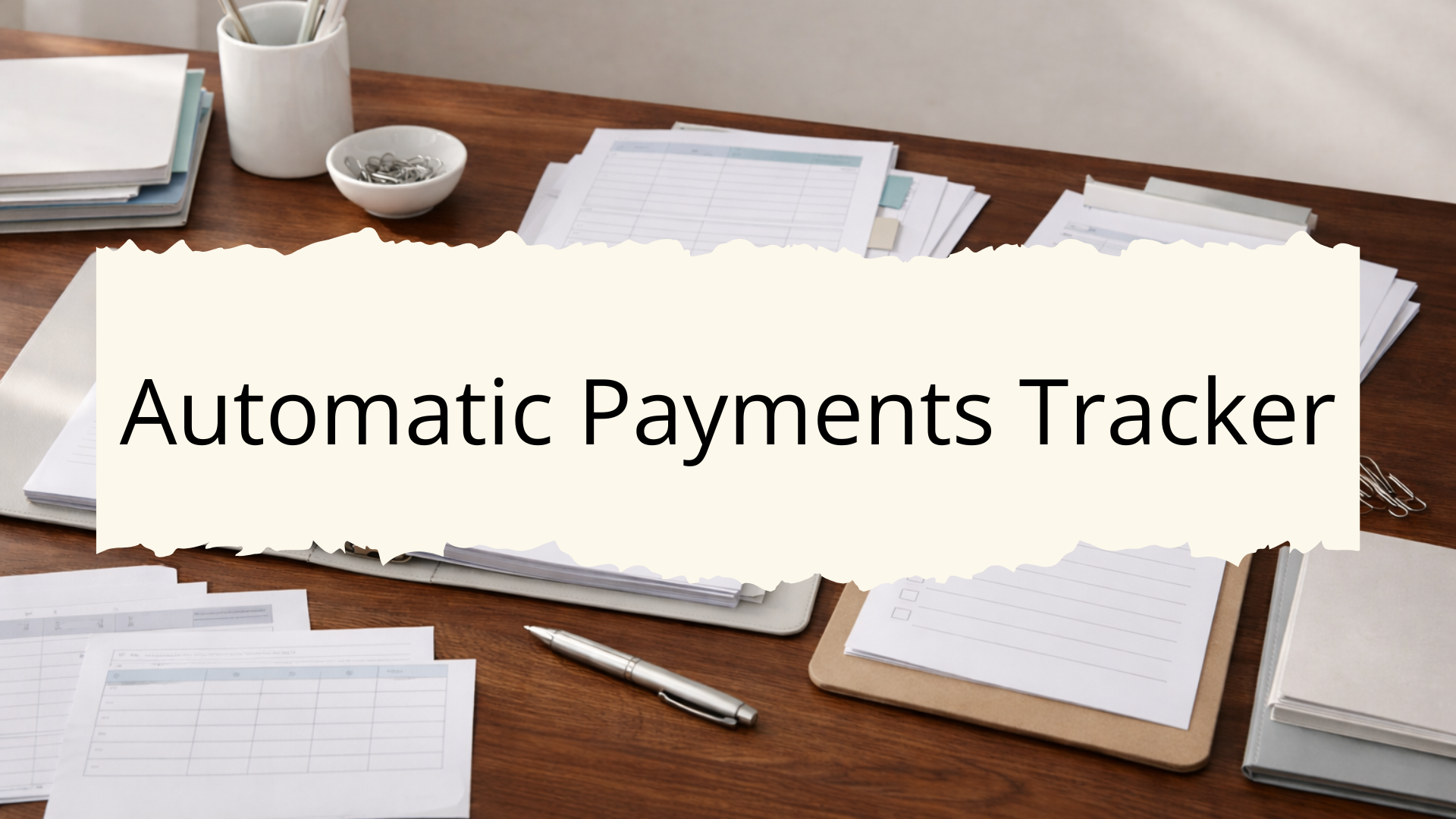
An automatic payments tracker is a record of every bill or subscription set up to charge your bank account or credit card on a recurring basis.
Keeping this information in one place makes it straightforward to review payment amounts, confirm billing dates, and identify any subscriptions that are no longer needed.
What This List Is For:
This list helps you record the details of every automatic payment set up across your household accounts.
📄 Looking for more lists like this one? The Home Management Binder is a ready-to-print system covering every area of your home in one organized place.
Many households keep this sheet in the Finance Section of their home management binder so the most important details are easy to find when needed.
What Is A Household Binder?
A household binder is a single reference point for the lists and information you use repeatedly to manage your home. For a full overview of how the system works, visit our household binder guide.
Below are the details typically included on this type of automatic payments tracker list.
Information to Include in an Automatic Payments Tracker
Payee or Service Provider Name
Each entry on the tracker starts with the name of the company or service being billed.
Recording this clearly makes it easy to scan the full list and identify individual accounts at a glance.
This is especially useful when multiple subscriptions or bills share similar billing descriptions on bank statements.
- Streaming service name
- Utility company name
- Insurance provider name
- Software or app subscription name
- Gym or fitness membership name
- Internet or phone carrier name
A consistent format for payee names keeps the tracker readable across all entries.
Account Number
The account number tied to each service provides a reference point when contacting a provider or verifying a payment.
These numbers are typically found on billing statements or inside the account’s online portal.
Recording account numbers on the tracker removes the need to log in to each service individually during a review.
- Full account number or last four digits
- Member ID or policy number for insurance accounts
- Subscription ID for software or SaaS services
- Customer reference number from billing statements
- Loyalty or rewards account number if linked
- Internal reference note if no formal account number exists
These numbers are particularly useful when a payment dispute needs to be resolved with a provider.
Billing Amount
The billing amount records how much is charged each cycle.
This information supports household budget tracking and makes it easy to spot unexpected changes in recurring charges.
Some services vary their billing amounts seasonally or after promotional periods end, so recording the current amount helps identify changes on the next review.
- Monthly billing amount
- Annual billing amount if billed yearly
- Promotional or introductory rate if currently in effect
- Standard rate after promotional period ends
- Tax or fee amounts if billed separately
- Currency if any international services are included
A column for the standard rate alongside the current rate helps flag when a promotional price is about to change.
Billing Frequency
Billing frequency identifies how often a charge occurs, monthly, quarterly, or annually.
Annual subscriptions are the most commonly overlooked recurring payments because they only appear once per year on bank statements.
Recording frequency on the tracker ensures that yearly payments receive the same visibility as monthly charges.
- Monthly billing cycle
- Annual billing cycle
- Quarterly billing cycle
- Weekly billing cycle for any applicable services
- Semi-annual billing for insurance or membership fees
- One-time setup fee noted separately if applicable
Grouping entries by billing frequency makes it easier to forecast monthly versus annual cash flow.
The Home Management Binder includes a full collection of ready-to-print record pages covering every area of your home.
Billing Date or Charge Day
The billing date records the day of the month or year when the charge is processed. This detail supports cash flow planning and ensures that the account used for payment holds sufficient funds before the charge date.
For accounts with multiple autopay bills due in the same week, knowing specific charge dates helps prevent unexpected shortfalls.
- Day of the month the charge processes
- Specific calendar date for annual subscriptions
- Estimated charge window if the date varies slightly
- Next billing date for subscriptions just renewed
- Trial end date if a free trial is active
- Notice period required before cancellation takes effect
The billing date column is one of the most actively referenced fields on this tracker.
Payment Method
The payment method column records which bank account, debit card, or credit card the charge is linked to. This becomes important when updating payment details after a card is replaced or an account is closed.
Tracking payment methods across all autopay accounts makes card or account transitions significantly faster to manage.
- Credit card name and last four digits
- Debit card or bank account used
- PayPal, digital wallet, or payment platform name
- Card expiration date if relevant to upcoming renewals
- Secondary payment method on file if applicable
- Note of any accounts requiring manual payment updates after card changes
This section helps prioritize which autopay accounts need to be updated when a payment card expires or is replaced.
Login Credentials Reference
Each automatic payment is typically tied to an online account. Recording where login information is stored – not the credentials themselves – creates a quick reference for accessing the account when needed.
This entry might reference a password manager, a separate credentials log, or a secure household records file.
- Email address associated with the account
- Username if different from email
- Reference to password manager entry or credentials log
- Two-factor authentication method used
- Secondary or recovery email address
- Account phone number used for verification
Noting where credentials are stored keeps the tracker useful without recording sensitive information directly on the page.
Renewal Date
The renewal date applies primarily to annual subscriptions and insurance policies.
Recording this date provides advance notice of upcoming charges and creates an opportunity to review whether the service is still needed before the renewal processes.
Annual renewals often go unnoticed until the charge appears on a statement, so a dedicated renewal date field provides earlier visibility.
- Annual renewal date
- Policy renewal date for insurance
- Subscription anniversary date
- Date promotional pricing expires
- Date a free trial converts to a paid subscription
- Reminder note for services worth reviewing before renewal
This column works alongside the billing date field to capture both recurring charge dates and longer-term renewal windows.
Cancellation Information
Cancellation details record where and how to cancel a subscription if needed.
This information is often buried in terms of service and can be difficult to locate at the time a cancellation is needed.
Recording the cancellation method when a subscription is first set up removes the effort of researching the process later.
- Cancellation method – online, phone, or written notice
- Cancellation URL or phone number
- Notice period required before the next billing date
- Retention offer or refund policy noted if known
- Confirmation number or email reference after cancellation
- Date cancellation was submitted if applicable
This section is particularly useful for services that require advance notice or specific steps to cancel without incurring an additional charge.
Notes
The notes column captures any additional details that do not fit neatly into other fields. This might include a record of a rate negotiation, a note about a service currently paused, or a reminder to review a specific account.
Each entry here reflects information specific to that account that is useful to have on record during a review.
- Service is currently paused or on hold
- Rate negotiated or discount applied
- Pending cancellation or downgrade request
- Service shared with another household member
- Account flagged for review at next billing cycle
- Previous billing amount for comparison
This field keeps the tracker flexible enough to capture account-specific details without adding separate fields for every possible scenario.
Summary
An automatic payments tracker provides a complete view of all recurring charges leaving household accounts each month and year.
Keeping this list current makes it straightforward to audit subscriptions, update payment methods, and confirm that every autopay charge is still intentional.
Reviewing the tracker at least once or twice per year helps identify services that may have been forgotten or are no longer in use.
The list is also useful when a bank account or credit card is updated, as it identifies every service that requires a payment method change.
If keeping all of your home admin records in one place sounds useful, the Home Management Binder gives you a complete printable system covering every area of home management.