
Bookmark this page for quick reference
Many households now have dozens of small recurring subscriptions that renew automatically throughout the year. Streaming services, software, memberships, and household services can quietly renew without much notice.
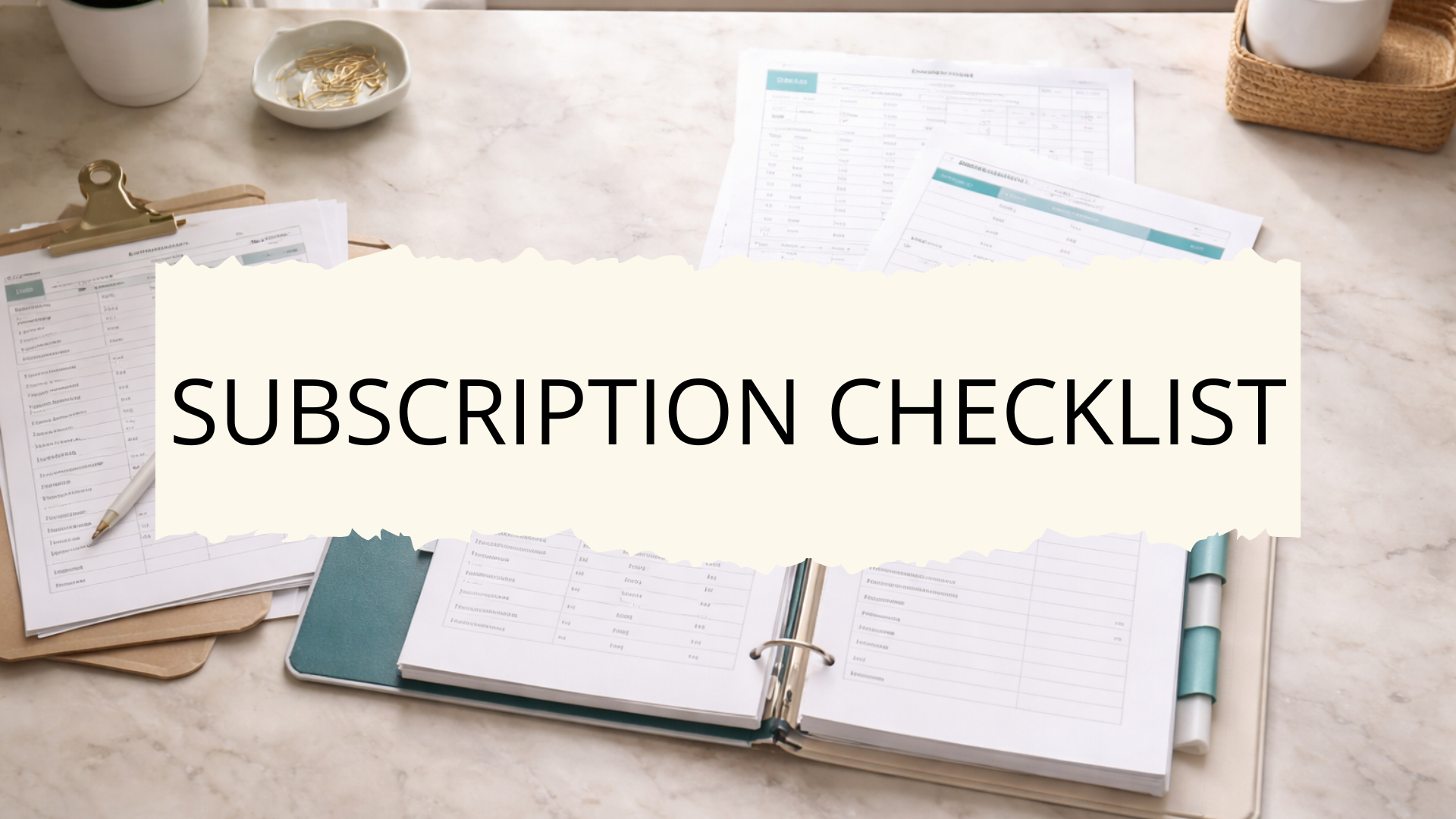
An annual subscription renewal checklist helps keep these recurring services visible so renewal dates, payment details, and service information are easy to review in one place.
What This List Is For:
This list helps you track all household subscriptions so renewal dates, providers, and payment details are easy to review each year.
📄 You can find a blank Annual Subscription Renewal Checklist inside the Home Management Binder so you can personalize it for your own needs.
Some households store this sheet in the household finances section of their binder to keep essential home finance details easy to reference.
What Is A Household Binder?
A household binder is a single reference point for the lists and information you use repeatedly to manage your home. For a full overview of how the system works, visit our household binder guide.
Below are the details typically included on this type of subscription renewal list.
Information to Include in an Annual Subscription Renewal Checklist
Subscription Service Details
The first section records the basic identifying information for each subscription. These details help quickly identify the service and understand what the subscription provides.
This section is useful when reviewing all services annually to decide which subscriptions should be renewed, cancelled, or updated.
Typical details to record include:
- Service or subscription name
- Company or provider name
- Type of service (streaming, software, membership, etc.)
- Account username or login email
- Website or platform used for access
- Customer service contact information
Keeping the core service details recorded makes it easier to identify each subscription at a glance.
Subscription Renewal Dates
Tracking renewal timing helps prevent unexpected charges and allows time to review whether the service is still needed.
Some subscriptions renew monthly while others renew annually, so noting the renewal schedule keeps these dates visible throughout the year.
💡Important Tip: If purchasing a service online for a very low price (e.g. $4.97/month), make sure that you read the small print, as this is often an introductory price and you will be charged a much higher rate in the second month.
This section commonly includes:
- Renewal date
- Renewal frequency (monthly, quarterly, annual)
- Next billing date
- Trial expiration date
- Reminder date to review the subscription
- Cancellation deadline if required
Clear renewal tracking helps households review subscriptions before automatic charges occur.
Payment Information
Many subscriptions renew automatically using stored payment methods.
Recording the payment details helps track where charges will appear and makes it easier to update information if needed.
This section is particularly useful when reviewing recurring expenses as part of a household finance system.
Common items recorded include:
- Payment method used (credit card, PayPal, bank account)
- Last four digits of the card used
- Billing account or payment platform
- Billing email associated with the account
- Billing address if required
- Currency or billing region
Recording payment details helps connect each subscription to the correct billing source.
Subscription Cost Tracking
Subscription costs may increase over time, and many services offer promotional pricing for the first year before switching to standard pricing.
Tracking costs helps identify subscriptions that may need reviewing or cancelling if prices increase.
Typical information recorded in this section includes:
- Current subscription cost
- Promotional pricing period
- Standard renewal price
- Billing interval cost (monthly or annual total)
- Price change history
- Estimated annual total cost
Cost tracking makes it easier to understand the full financial impact of recurring services.
Account Access Information
Many subscriptions require login credentials or account portals to manage billing and renewal settings.
Recording basic access information makes it easier to locate the correct account when reviewing or cancelling a subscription.
Common items recorded include:
- Account login email
- Username or account ID
- Account dashboard URL
- Linked devices or platforms
- Family or shared account users
- Account creation date
Keeping these access details together saves time when managing subscription settings.
Cancellation and Review Notes
Not every subscription should renew each year automatically.
A small section for review notes helps track which services should be reconsidered before renewal.
This section can also be useful for recording cancellation instructions or policies for each provider.
Items often included here are:
- Cancellation method (online, email, support request)
- Notice period required for cancellation
- Renewal reminder notes
- Service usage notes
- Alternative service options
- Date last reviewed
These notes help households make clearer renewal decisions when subscription dates approach.
If a subscription is ready to cancel, a subscription cancellation checklist records each step of the process from account access through to final confirmation.
Service Category or Purpose
Many households maintain multiple types of subscriptions, from entertainment to software tools and household services.
Adding a category label helps group subscriptions so they are easier to review as part of the wider household budget.
Typical categories recorded may include:
- Entertainment subscriptions
- Software or digital tools
- Household services
- Professional memberships
- Education or learning platforms
- Family or children’s services
Organizing subscriptions by category helps make the overall list easier to scan.
Household User Information
Some subscriptions are shared between family members, while others are tied to a specific person in the household.
Recording who primarily uses each service can help when reviewing which subscriptions should continue.
This section may include:
- Primary household user
- Additional account users
- Device access permissions
- Profile ownership within the account
- Household member responsible for managing the service
- Age restrictions or parental controls
User tracking provides additional context when deciding whether a subscription is still useful.
Subscription Setup Information
Recording when and how the subscription started helps maintain a clear record of the service history.
This information is useful when managing long-term subscriptions that may have changed pricing plans or account settings over time.
Typical setup details include:
- Original subscription start date
- Signup method (website, app store, bundled service)
- Promotional offer used at signup
- Initial plan or package selected
- Account upgrade history
- Plan change dates
These details create a more complete record of the subscription lifecycle.
Linked Services or Bundles
Some subscriptions are connected to other services or bundled into larger packages.
Tracking these relationships helps prevent accidental cancellations that could affect other services.
Items commonly recorded include:
- Bundled service packages
- Services included in memberships
- Linked family plans
- Device subscriptions tied to hardware
- Combined billing plans
- Provider bundle discounts
Understanding these connections helps avoid disruptions when reviewing subscription renewals.
Annual Review Checklist
An annual review section helps households quickly evaluate each subscription before the renewal date arrives.
This part of the checklist ensures every subscription is reviewed regularly, rather than renewing automatically without consideration.
Typical review prompts include:
- Is the service still actively used?
- Has the price increased since last year?
- Are there duplicate services providing the same function?
- Are there cheaper alternatives available?
- Should the subscription be cancelled before renewal?
- Has the payment method been updated recently?
This simple review process helps keep recurring household expenses under control.
Summary
An annual subscription renewal checklist keeps recurring services visible so renewal dates and costs do not go unnoticed.
When all subscription information is recorded in one place, it becomes much easier to review services before automatic charges occur.
Many households use this checklist alongside other financial tracking lists, such as a bill payment tracker or household expense list, so all recurring costs are documented in one system.
As part of a Home Management Binder, this checklist becomes a simple reference for reviewing household subscriptions each year and keeping recurring services organised.