
Bookmark this page for quick reference
A household binder typically holds physical documents and paper-based records, but your home runs on digital accounts too.
Keeping a password list for home records in your binder gives you a single, organized reference point for every login, account, and access credential tied to your household.
What This List Is For:
This list shows you how to categorize your main password list and what entries to include.
📄 You can find a blank Password Sheet inside the Home Management Binder so you can personalize it to your own needs.
This sheet is often kept in the Home Records Section of a home management binder, so important household information is easy to access.
What Is A Household Binder?
A household binder keeps important lists, records, and reference pages together in one organized place. For a full explanation of how the system works, visit our household binder guide.
This post covers what to include on a household password and digital access list, how to organize it by category, and practical notes on keeping it current and stored safely.
It does not cover personal accounts unrelated to home management; the focus is strictly on accounts your household depends on.
Why a Separate Home Records Password List Makes Sense
Most households have more digital accounts tied to home management than they realize.
Utility portals, mortgage servicer logins, HOA platforms, appliance registration accounts, and insurance portals; these are not the kind of logins you use daily, which makes them easy to forget and difficult to recover in a pinch.
A dedicated list for home records keeps these separate from personal email passwords or entertainment accounts.
When a pipe bursts at midnight, and you need to log into your water utility account, this is the list you reach for.
What to Include: Account Categories
Organize your password list by category to make it easier to scan.
Each entry should capture the platform or provider name, the URL, the username or email used to log in, the password, and any security PIN or account number that may be required alongside the login.
Utilities and Services
- Electric company account portal
- Gas utility portal
- Water and sewer account
- Internet and cable provider
- Phone or cell carrier account
- Trash and recycling service (if applicable)
Home and Property
- Mortgage servicer online account
- HOA portal or community management platform
- Home warranty company login
- Property tax payment portal
- Smart home app or hub (e.g., Nest, Ring, SmartThings)
- Home security system account
Insurance Portals
- Homeowners or renters insurance
- Flood or earthquake insurance (if applicable)
- Umbrella policy login (if managed online)
Appliances and Product Registration
- Appliance manufacturer registration accounts
- Extended warranty portal logins
- HVAC service account or maintenance plan
Household Subscriptions and Admin
- Amazon or similar household supply accounts
- Grocery delivery or warehouse membership
- Subscription box services connected to the household
- Streaming services shared across the household (optional – include if relevant to home records)
Contractor and Service Provider Portals
- Pest control customer account
- Lawn or landscaping service portal
- Pool or septic service account
- Any home contractor platforms that store service history
What Each Entry Should Capture
Keep each entry consistent so the list stays usable.
A simple row or block for each account works well.
Want a Ready-Made Version?
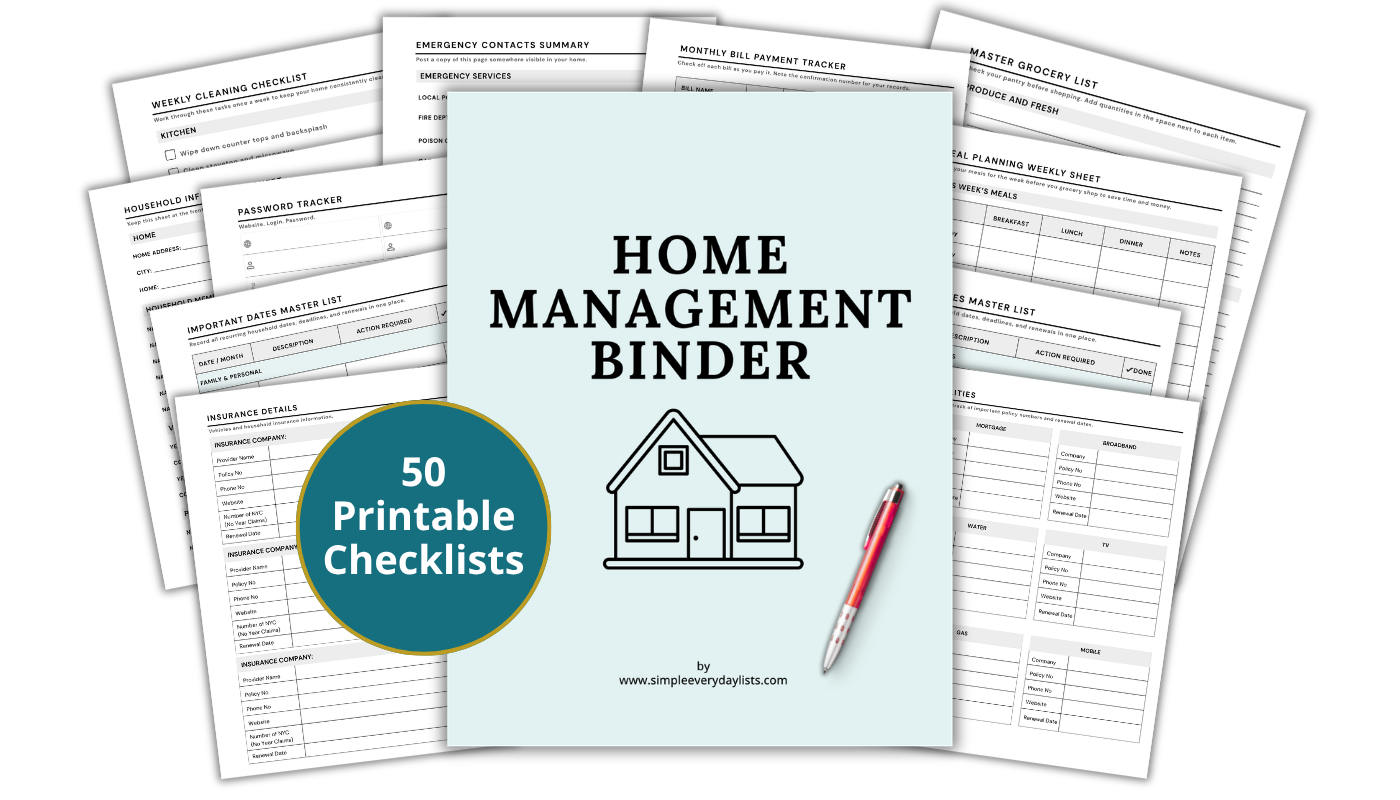
The Home Management Binder is a 50-page printable system covering every area of your household — bills, contacts, seasonal tasks, and more. Print once, use for years.
Learn more about the binder...- Provider or platform name
- Website URL
- Login email or username
- Password
- Account or policy number (if required alongside the login)
- Security PIN or answer (if applicable)
- Notes, e.g., auto-pay status, billing cycle, linked payment method
Storage and Security Considerations
A printed password list for home records is a practical tool, but it requires intentional storage.
Keep this page in a section of the binder that is not immediately visible when the binder is opened – placed behind other sections rather than at the front.
Additional storage options worth considering:
- Store in a locked file cabinet or fireproof document box rather than an open shelf
- Use a binder with a cover flap or zipper closure to limit casual access
- If sharing binder access with a spouse or co-manager, agree on where the binder is kept
- Consider keeping the printed list as a backup only, with a password manager as the primary access method
The goal of the printed list is not to replace a password manager; it’s to ensure household account access is recoverable in situations where digital tools are unavailable, accounts are locked, or a household member needs access in an emergency.
Practical Notes
This list works best when it’s reviewed quarterly, aligned with a broader binder review.
Anytime a password is changed, a new account is created, or a service provider is switched, the list should be updated at the same time as any associated contact or account information pages.
One person in the household should be designated as the primary maintainer, though both household members should know where the list is stored and how it is organized.
For households with an estate plan or emergency binder, a copy of this list – or a note directing to its location – may also belong in that documentation.
Common variations include maintaining a separate page for smart home device credentials (Wi-Fi network names and passwords, device PINs, hub access codes), which tend to be used and shared differently than account portal logins.
Closing
A password list for home records is a practical addition to any household binder; it fills the gap between paper-based account records and the digital portals where so much home administration actually happens.
Set it up by category, review it quarterly, and store it somewhere your household can access it when needed.
If you would like a structured place to keep all of your home records, the Home Management Binder brings every log, checklist, and record page together in one printable binder.
Ready to set up the full system?
The Home Management Binder includes 50 formatted, print-ready checklists covering household finances, contacts, seasonal tasks, and everything in between - organized and ready to use.
Learn more about the Home Management Binder